File guide
How to prepare your files for print
A well-prepared file prints sooner and without surprises. Run through this checklist before you send it to us, or download a template with the measurements already set up.
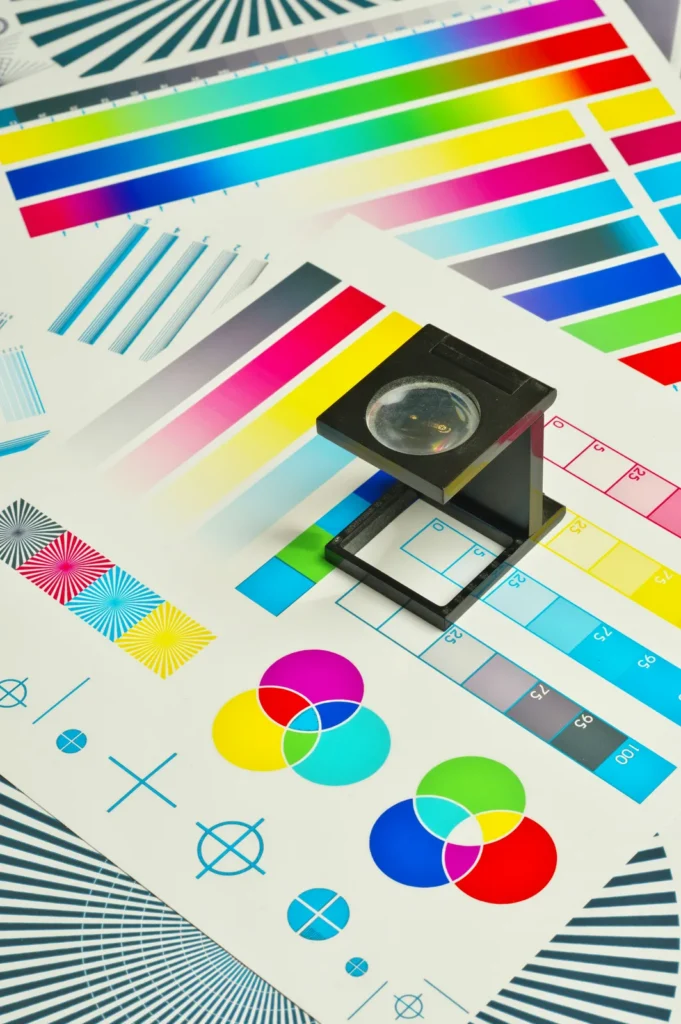
Checklist
Technical values [PENDIENTE: valores técnicos de La Imprenta].
High-quality PDF
Export to a high-quality PDF [PENDIENTE: estándar PDF preferido (p. ej., PDF/X-1a o PDF/X-4)]. One file per job, with the pages in order.
Bleed
Extend backgrounds and images [PENDIENTE: mm de sangrado] beyond the trim edge on every side. That way, no white edges are left after trimming.
Safe area
Keep text, logos and other important elements [PENDIENTE: mm de margen de seguridad] in from the trim edge.
CMYK colours
We print in CMYK. If you send your file in RGB, the colours change when they’re converted, especially the most vivid ones. Recommended profile: [PENDIENTE: perfil de color recomendado].
Images at 300 dpi
At actual print size. An image taken from a website usually has a much lower resolution and will look pixelated.
Embedded or outlined fonts
Embed the fonts when you export the PDF, or convert them to outlines, so the text prints exactly as you designed it.
Spot colours
If your design uses Pantone colours, mention it when you ask for a quote [PENDIENTE: confirmar impresión con tintas planas]. If they’re not going to be printed as spot colours, convert them to CMYK before exporting.
Downloadable templates
Each template marks the finished size, bleed and safe area. Open it in your design software and use it as a guide to position your design.
DL tri-fold leaflet
Folded, 99 × 210 mm; flat, 297 × 210 mm. [PENDIENTE: ancho exacto de cada cuerpo del tríptico]
Roll-up banner
85 × 200 cm. [PENDIENTE: zona oculta inferior del roll-up]
We’ll check your file
Not sure it’s right? Send it to us anyway: we’ll check it before printing and, if we spot anything that could cause problems, we’ll let you know.
Don’t have a file? We’ll design it for you